

Wholesale quotes without prices allow customers to browse your products and submit a quote request without viewing your standard pricing.Instead, buyers build a list of items and submit it for a quote. This is the standard way B2B and wholesale stores operate. Below, we explain how to set it up in WooCommerce.
Why wholesale quotes without prices work
Wholesale pricing rarely fits a single public number. Because rates change with volume, customer terms, and negotiation, a fixed retail price does not work. As a result, many suppliers prefer to quote each buyer individually. Hiding prices also protects your margins from competitors who browse your catalog. For these reasons, a quote request model suits fabricators, distributors, and service providers.
There are also good reasons to keep some quotes simple. For broader background on when a quote workflow helps and when it adds friction, this guide to B2B pricing quote best practices is a useful resource Online B2B Pricing Quotes: Definitions and Best Practices.
How to set up wholesale quotes without prices
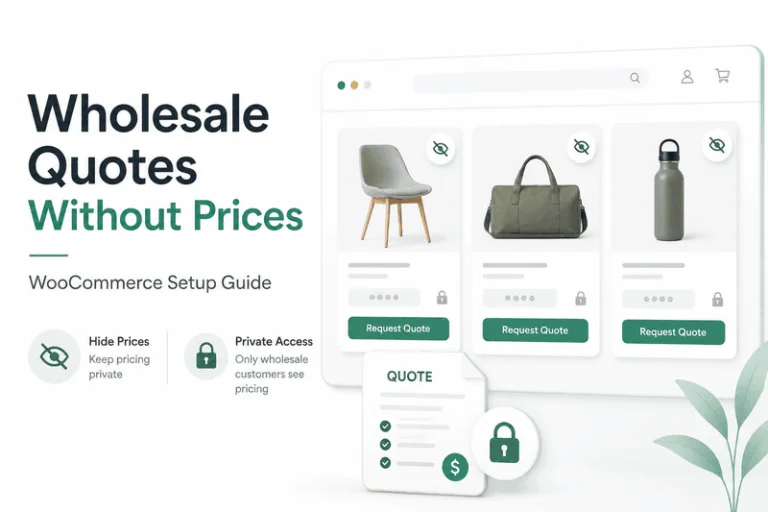
The cleanest way to let wholesale customers request quotes without seeing prices in WooCommerce is the WooCommerce Quotes and Orders extension. It converts the standard Add to Cart function into an Add to Quote function. Meanwhile, a dedicated Quotes payment gateway removes the usual payment options. Therefore, no checkout pricing appears. Every request is then saved as a real WooCommerce Order, so it slots into your existing admin.
Step 1: Enable wholesale quote mode
After you install and activate the plugin, it adds its own admin section. Head to the Settings tab to activate Quotes mode. From there, you choose how prices are handled. You can apply the rule to site visitors before login, and you can also apply it to selected logged-in user roles.
Step 2: Choose Manual or Auto Quote mode
Both modes keep your shop prices hidden from the public. However, they differ in how the quote itself is delivered.
- Manual Quote mode hides prices everywhere, including in the quote request email. The request arrives as a WooCommerce order with the ‘Quote’ status. You then add pricing yourself and send the finished quote by email using a WooCommerce Order Action.
- Auto Quote mode generates an instant, system-priced quote. The customer still cannot see any storefront prices. Instead, prices appear only on their quote email, and they can pay through your active payment gateways.
For instance, choose manual mode when prices vary per customer or need approval. Choose auto mode when your prices are fixed but you still want them off the public shop. To compare both side by side, see our breakdown of Manual Quote Mode versus Auto Quote Mode.
Keep wholesale prices hidden after login
Hiding prices from visitors is only half the job. You also want them hidden from wholesale buyers who log in. The plugin handles this with auto-created roles. When a user submits a quote request, an account is created automatically. The Manual Quote Role and the Auto Quote Role both work like a WordPress subscriber, except they cannot see any WooCommerce product prices.
As a result, wholesale customers can use their My Account dashboard and review the quotes they submitted, all without ever seeing your standard catalog prices. If you prefer not to create accounts, you can enable guest checkout instead. Either way, your pricing stays private.
Add B2B ordering later
Some wholesale buyers eventually want to order directly rather than request a quote. For that, the same plugin offers Add to Order mode. It converts WooCommerce into an online ordering system, with billing handled offline in your regular cycle. Note that you cannot run Request a Quote and Add to Order at the same time for the same role, because both rely on the Add to Cart function.
This flexibility matters as your store grows. You might start with hidden prices and manual quotes, then move trusted accounts to direct ordering. Because everything is stored as a WooCommerce Order, your reporting stays consistent throughout.
Start accepting wholesale quote requests
In summary, you can let wholesale customers request quotes without seeing prices by hiding your storefront pricing and turning Add to Cart into Add to Quote. Manual mode keeps you in control of every figure, while auto mode delivers instant quotes. To explore every mode, role, and setting, see WooCommerce Quotes and Orders WooCommerce Quotes and Orders.